
Skip to content
Projects

Every Note Has a Color

Side Project
Primary linkOpen live apphttps://sing-for-the-moment.vercel.app
Every Note Has a Color
Sing for the Moment app icon, watercolor microphone
Every vocal training app I tried was the same thing wearing different skins: a karaoke player with a score. Follow the bouncing ball. Hit the green zone. Get your stars. None of them addressed what singing actually requires: breath support, resonance placement, range extension, the daily unsexy work of lip trills and sirens that no one wants to gamify because it doesn't look good in a demo video. I wanted structured practice. Exercises organized by what they train, not what sounds fun. Real-time pitch feedback that tells me where my voice actually is, not where a game thinks it should be. A system, not a toy. Nothing like that existed at a price I was willing to pay. So I built it.
Here is what most people don't realize about detecting pitch in real time: it is genuinely hard. The Web Audio API gives you raw audio data. That's it. A stream of floating-point numbers representing air pressure changes over time. Turning that into "you're singing a B-flat" requires autocorrelation: comparing the signal against shifted copies of itself to find the fundamental frequency. It's the same math that underlies radar and sonar. Real DSP, not a library call. The raw frequency output jitters. A human voice isn't a synthesizer. It wobbles, overshoots, slides between notes. So I added physics-based smoothing: the detected pitch behaves like a mass on a spring, with momentum and damping. The result tracks your voice faithfully without the nervous tremor that makes raw pitch data unusable for visual feedback. This was the hardest part of the entire project. Everything else is software engineering. This is signal processing, and getting it wrong means the app lies to you about your own voice.
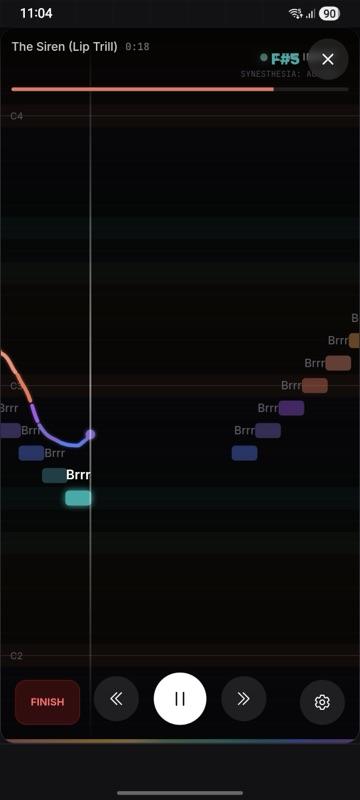
Each musical note maps to a color. C is terracotta. D is amber. E is gold. F is emerald. G is teal. A is sapphire. B is orchid. The entire UI shifts as you sing (background, accent colors, visual feedback), all driven by what note you're producing. This isn't decoration. Color creates a second feedback channel that bypasses the cognitive load of reading note names. After a few sessions, you stop thinking "I'm flat on the F-sharp" and start feeling "too much green, not enough teal." Your brain builds associations that are faster than text. I didn't invent this idea. Scriabin mapped notes to colors in 1911. But I did implement it as a real-time reactive interface, which is a different kind of problem.
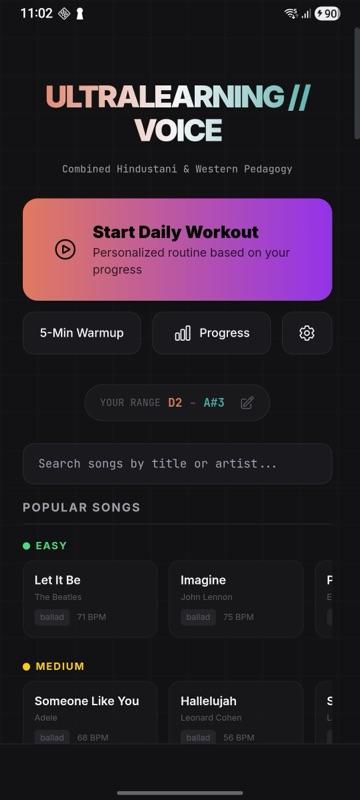
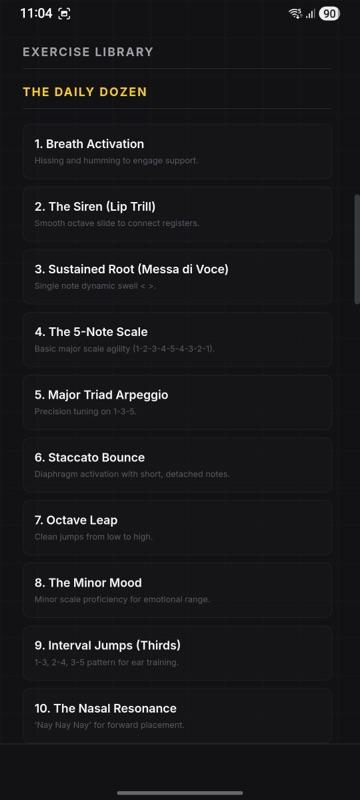
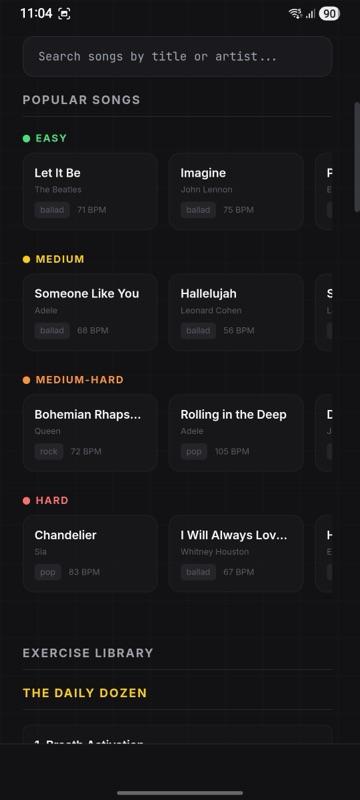
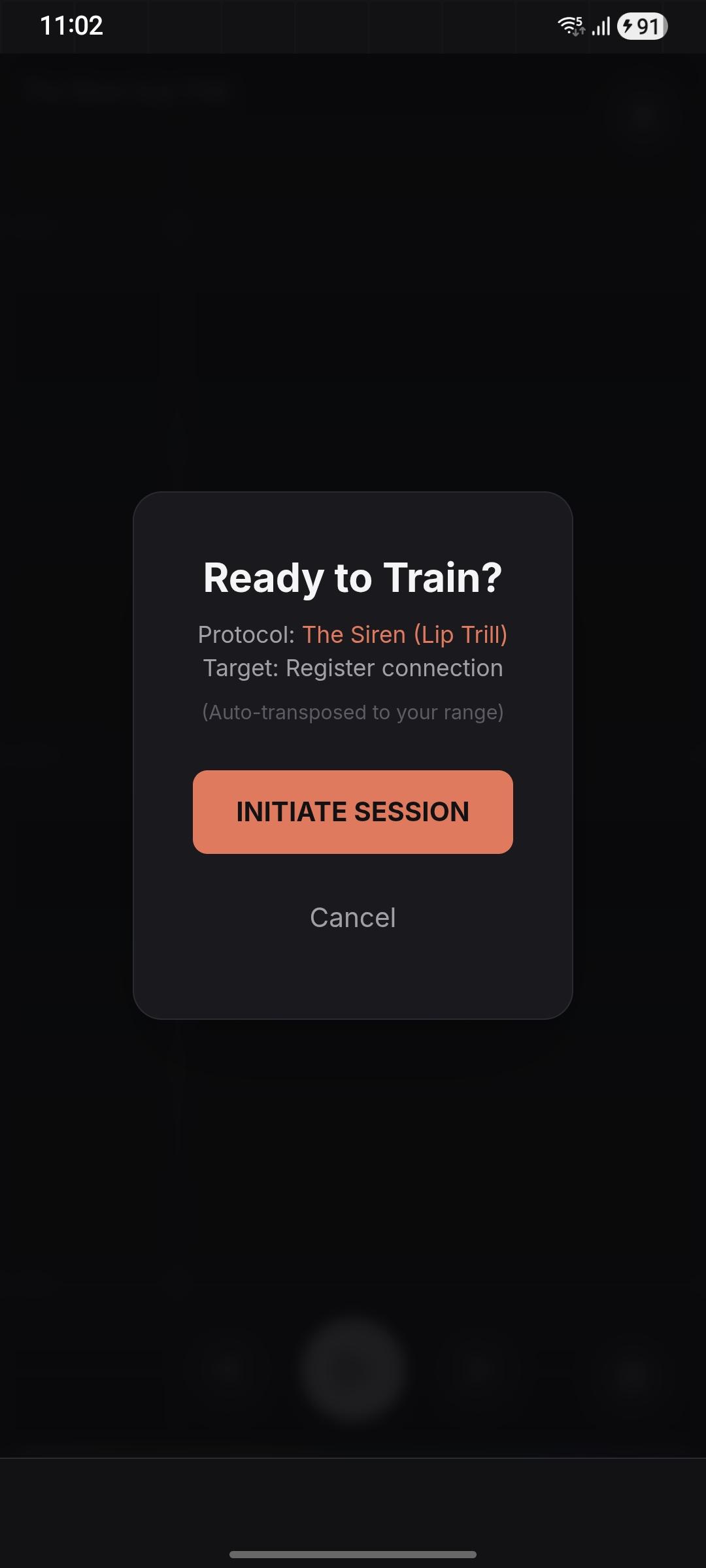
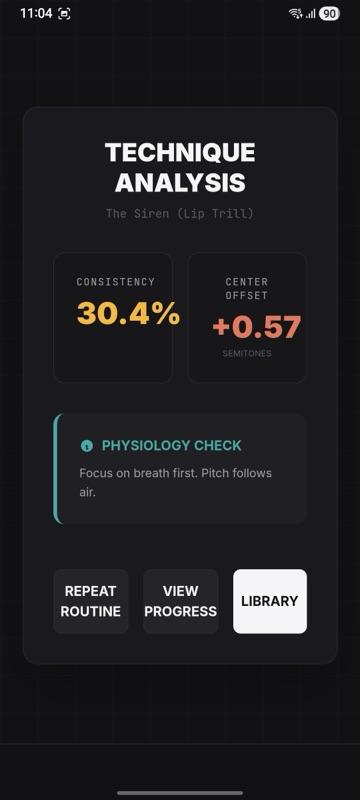
Nine exercise categories. Daily Dozen for warmups. Lip trills, humming, and sirens for technique. Resonance exercises for placement. Range builders for extension. Breath control for the foundation everything else depends on. Each category has structured routines, not random drills. Fifty-plus songs with MIDI note data, lyrics, chords, and BPM. Not scraped; curated and annotated by hand. The pitch visualization overlays your voice against the target melody in real time, colored by how close you are. Session reports track what you practiced, how long, and where your pitch accuracy breaks down. Daily smart workouts assemble a routine based on what you haven't practiced recently. Progress tracking over weeks shows whether your range is actually expanding or you're just singing the same comfortable notes. The tech stack: React 19 with strict TypeScript. Vite 6 for builds. Capacitor 8 wraps the whole thing as a native Android app. Google Generative AI SDK for on-device features. AdMob for monetization. Offline-first: the app works without a connection because practice shouldn't depend on Wi-Fi.
The gap between "it works on my machine" and "it's on the Play Store" is where most side projects die. I almost understand why. Android screen wake lock so the display doesn't sleep mid-exercise. Haptic feedback on note transitions. AdMob integration with its own special flavor of configuration hell. Capacitor bridge quirks between web and native layers. Splash screens, adaptive icons, signing keys, release builds. None of this is intellectually interesting. All of it is mandatory. This is what I mean when I say production thinking goes beyond writing code. A prototype that detects pitch is a weekend project. An app that someone can download, use daily, and trust: that's months of the kind of work that doesn't make good demo videos but makes the difference between a project and a product.
The common belief is that the hard part of building an app is the core feature. Get the pitch detection right, and the rest is just UI. That belief is exactly backwards. The core feature is the part you're motivated to solve. The hard part is everything around it: the infrastructure that makes the feature usable by someone who isn't you. Exercise sequencing. Progress persistence. Offline state management. Platform-specific behavior. The hundred small decisions that separate "technically works" from "worth installing."
I built this because I wanted to learn to sing. I kept building it because the gap between existing tools and what vocal practice actually needs was too wide to ignore. The app is almost ready for strangers to use, which is a fundamentally different bar than "works for me."
Status: Targeting Google Play Store release.